
First impressions are everything. Yet, for many agencies and service providers, the “honeymoon phase” after closing a deal is often ruined by a clunky, manual onboarding process. In 2026, clients in fast-moving markets like Seattle and San Francisco expect instant gratification. If they sign a contract at 2:00 PM and don’t receive a welcome kit until the next morning, you’ve already lost momentum.
We realized that our team was spending nearly 6 hours per client on repetitive tasks: sending contracts, chasing down files, and setting up Slack channels. By implementing a no-code automation stack, we reduced that manual workload by 80%.
Here is the exact blueprint we used to turn a manual headache into a seamless, high-velocity experience.
The “Manual Onboarding” Problem
Before we automated, our workflow was a series of “if I remember” moments:
- Manual Data Entry: Copying client info from a PDF into our CRM.
- The “File Chase”: Sending three follow-up emails just to get a logo or brand guidelines.
- Internal Friction: Forgetting to notify the account manager that a new project had started.
Our 3-Step No-Code Automation Stack
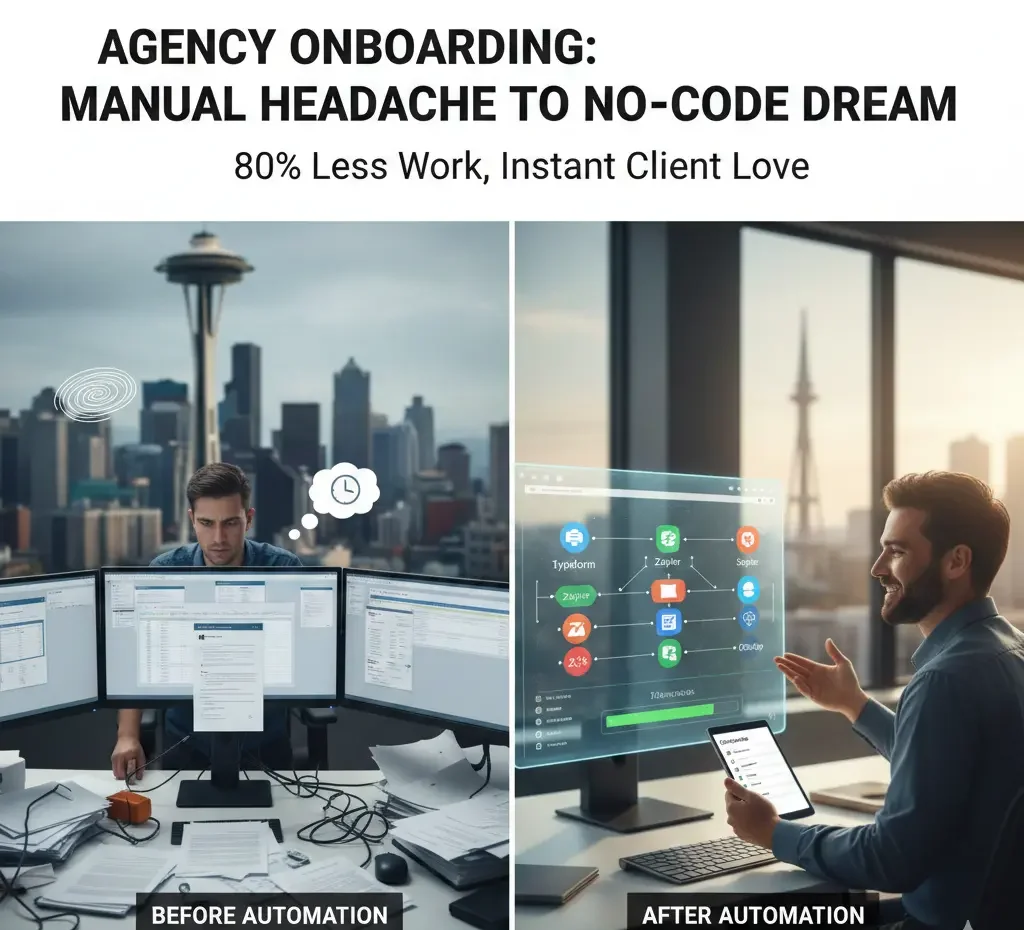
To achieve an 80% reduction in manual work, we didn’t hire a developer. We used three core “Lego blocks” of the no-code world:
1. The Trigger: Smart Intake Forms
We replaced standard contact forms with logic-based tools like Typeform or Tally.
- What it does: Depending on the service the client selects, the form asks different questions. If they select “SEO Services,” it asks for their website URL; if they select “Content Marketing,” it asks for their blog link.
- The Result: We collect 100% of the data we need in one go.
2. The Glue: Zapier or Make.com
This is the “brain” of the operation. We set up a workflow that triggers the moment a form is submitted or a DocuSign contract is signed.
- Action A: Create a new folder in Google Drive automatically.
- Action B: Generate a “Welcome” channel in Slack and invite the team.
- Action C: Create a new project in ClickUp or Asana using a pre-saved “Onboarding Template.”
3. The Portal: Login-less Client Hubs
In 2026, clients hate creating new accounts. We used Moxo and Content Snare to create “Magic Link” portals.
- Why it works: Clients click a link in their email and see a beautiful dashboard with a checklist of what we need from them. No passwords, no “where is that email?” friction.
The Impact: By the Numbers
| Metric | Before Automation | After Automation |
| Time per Onboarding | 4–6 Hours | 30–45 Minutes |
| Error Rate | 15% (Typos, missed steps) | <1% (System-driven) |
| Client Time-to-Value | 3 Days | Instant (Welcome kit sent in <1 min) |
| Staff Morale | High Stress | High Focus on Strategy |
Why This Matters for Your Business
Whether you are a local agency in Seattle or a global SaaS provider, automation isn’t just about saving time; it’s about E-E-A-T.
A seamless onboarding experience proves your Expertise and builds immediate Trust. It signals to the client that if you are this organized with your own processes, you will be even better with theirs.
Ready to Scale Your Operations?
Automating your internal systems is only half the battle. To truly dominate your market, you need a search strategy that matches your operational efficiency. Let us handle the complexity of the digital landscape while you focus on your newly streamlined business.
Discover how we combine operational excellence with the Best SEO Services in India to help you outpace the competition.
FAQs
How long does it take to set up an automated onboarding system?
Most agencies can deploy a basic “no-code” stack (Intake Form + Zapier + Slack) in about 3 to 5 days. While the initial logic mapping takes time, the system begins saving you hours from the very first client entry.
Is no-code automation secure for sensitive client data?
Yes. Tools like Zapier, Typeform, and ClickUp use industry-standard encryption (AES-256) and are SOC 2 compliant. For US-based agencies, this ensures that client contracts and brand assets are handled with the same security as manual transfers, but with less risk of human error.
Do I need a developer to automate my agency workflow?
No. The beauty of the 2026 tech stack is that it is built for “citizen developers.” If you can use a spreadsheet, you can use tools like Make.com or Zapier. You focus on the business logic; the tools handle the code.
Will automation make my agency feel “impersonal” to new clients?
Actually, it’s the opposite. By automating the “boring” paperwork, your team has more time for high-value strategic calls. Clients in fast-paced markets like San Francisco and Seattle value the speed of an instant welcome kit more than a delayed manual email.
What is the best no-code tool for digital marketing agencies in 2026?
While “the best” depends on your specific niche, the gold standard for 2026 is a combination of Tally/Typeform for intake, Make.com for complex workflows, and Moxo for a high-end, login-less client portal experience.